
editing
How to auto cut silence from an iPhone video
How to remove silences and long pauses from an iPhone video: the settings that matter, what each kind of tool costs you, and what to check before posting.
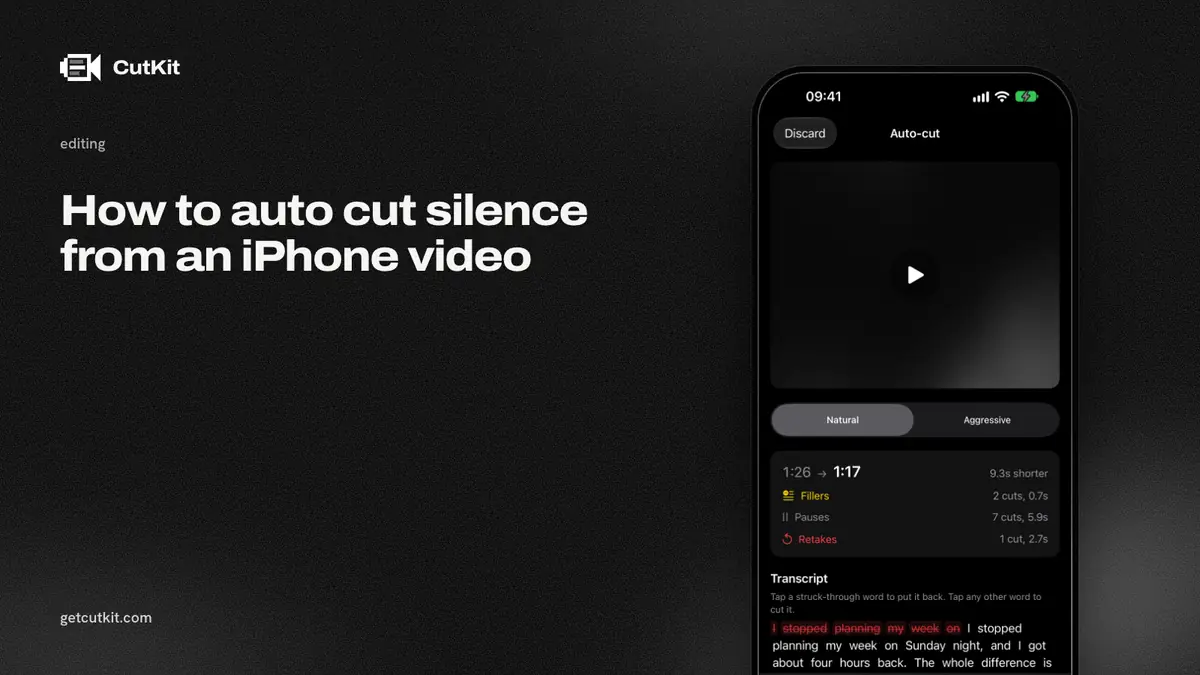
To auto cut silence from an iPhone video, use a tool that finds the quiet stretches in your audio and deletes them, then joins what’s left. The settings that decide whether it sounds natural are 3: how quiet counts as silence, how long a gap has to be before it’s cut, and how much breathing room stays on each side of your words. Get those right and a talking-head clip tightens up with almost no work.
Short answer: cut gaps longer than about half a second, keep a little padding around each phrase, never cut every pause to zero, and listen to the result once with headphones. If you also want retakes and filler words gone, use a tool that handles those in the same pass.
Silence is harder to define than it sounds
A tool has no idea what’s silence. It reads loudness. Anything below a set volume for longer than a set time gets called silence.
That leads to the usual surprises:
- Room noise isn’t silence. A fan or air conditioner keeps the volume above the threshold, so nothing gets cut. In a noisy room the tool does nothing, or you have to raise the threshold until it starts cutting the quiet ends of your words.
- Quiet speech is. Trailing words, a whispered aside or the soft end of a sentence can fall under the threshold and get chopped.
- Breaths are. Cut them all and you sound like a robot reading.
So the 3 settings matter more than the brand of the tool.
The 3 settings
Threshold. How quiet counts as silence. Too high and the tool eats the ends of your words. Too low and it never cuts anything. If a tool shows the waveform, set the threshold just above the flat line of your room noise, so it catches the gaps and nothing else. If the tool has no slider and just picks, you’re trusting its default.
Minimum length. How long a quiet stretch has to be before it counts. Around half a second is a good starting point for talking-head video. Shorter than that and you cut the normal gaps between words, which sounds rushed. Longer and you leave dead air.
Padding. How much silence stays on each side of a cut. A small amount, a fraction of a second, keeps the start and end of words intact and keeps breathing natural. Zero padding chops words.
Start gentle, then tighten. It’s easier to cut more than to put back what you shouldn’t have removed, unless the tool lets you restore cuts.
3 ways to do it on iPhone
The options run from single-purpose apps to full editors to cutting during the recording.
1. Apps that remove silence only
The App Store has apps built for exactly this: load a clip, pick a threshold, export. We haven’t reviewed them, so we won’t name what any of them charge or do. If you try one, check 4 things: does it show you what it cut, can you restore a cut, does it keep the video at full resolution, and does it upload the file.
These are simple and fast. They cut silence and nothing else, so “um”, “uh” and retakes stay.
2. Full editors with a silence tool
Some editors include an auto-cut for pauses. Captions lists AI Trim, which removes pauses and filler words, and it needs an account for paid features. Its pricing as of September 2026 is $24.99 a month for Max, and one September 2026 review says “$25 bought me 2.5 minutes of video”. Check credit terms first. BIGVU lists one-tap removal of filler words and awkward pauses, with your video uploaded to its cloud, from $12 a month as of September 2026. Descript removes silences, filler words and retakes, is a cloud service with an account, and starts at $24 a month, or $16 billed annually, though the pricing page read 2 ways when we checked it.
Detail has an Auto Edit that removes silences and, with a “Cut Filler Words” toggle, filler words, and its 6.0 changelog (14 Sep 2026) says it now runs on your device. Its free plan puts a watermark on exports, and Pro is EUR 5.83 a month or EUR 70 a year.
CapCut has trim, split and auto captions. We couldn’t verify a one-tap silence cut in its listing.
These do more than silence, and most of them export a new file, which brings the re-encode question. How to record teleprompter video in 4K HDR shows how to check whether yours did.
3. Cut while you record
You skip the extra edit. You read a script, and when you stop, the app cuts silence along with everything else you don’t want.
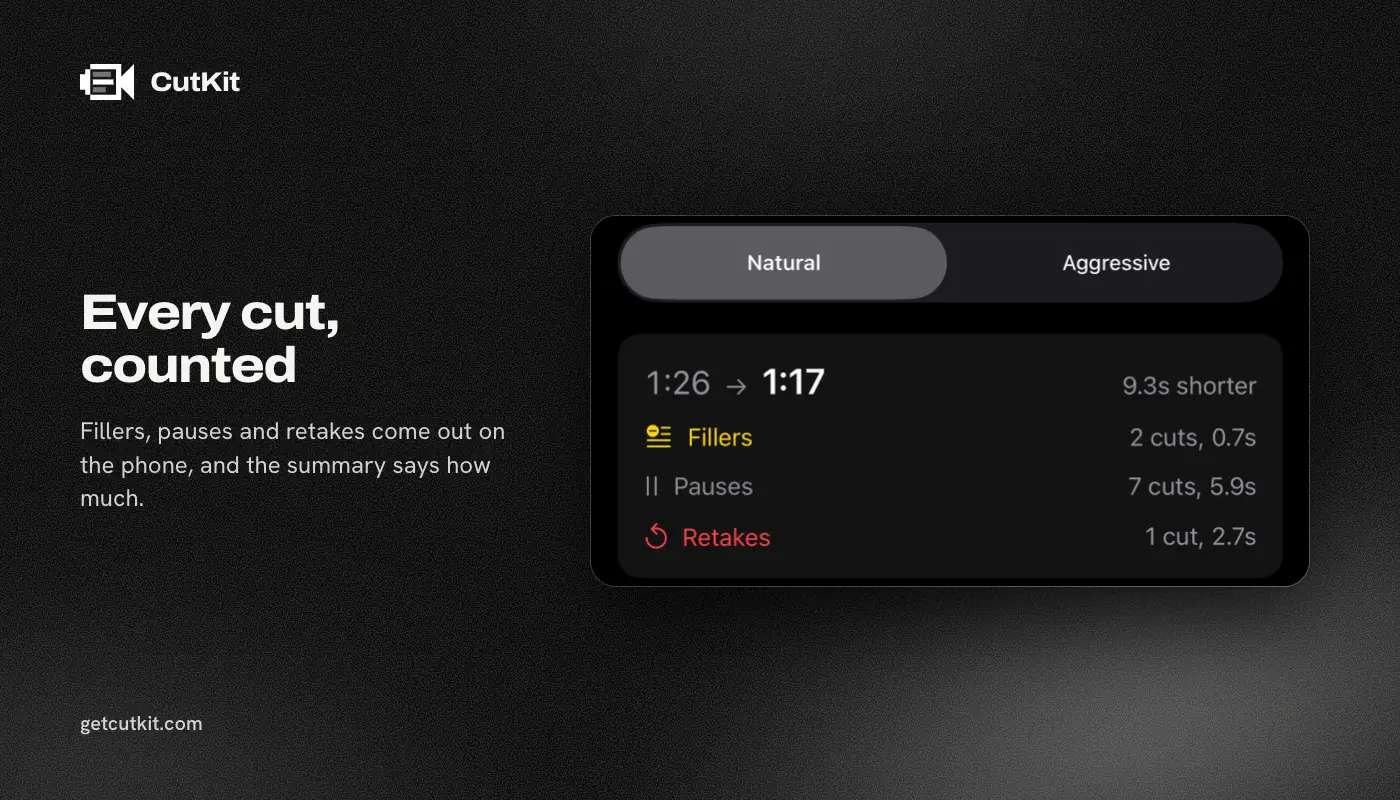
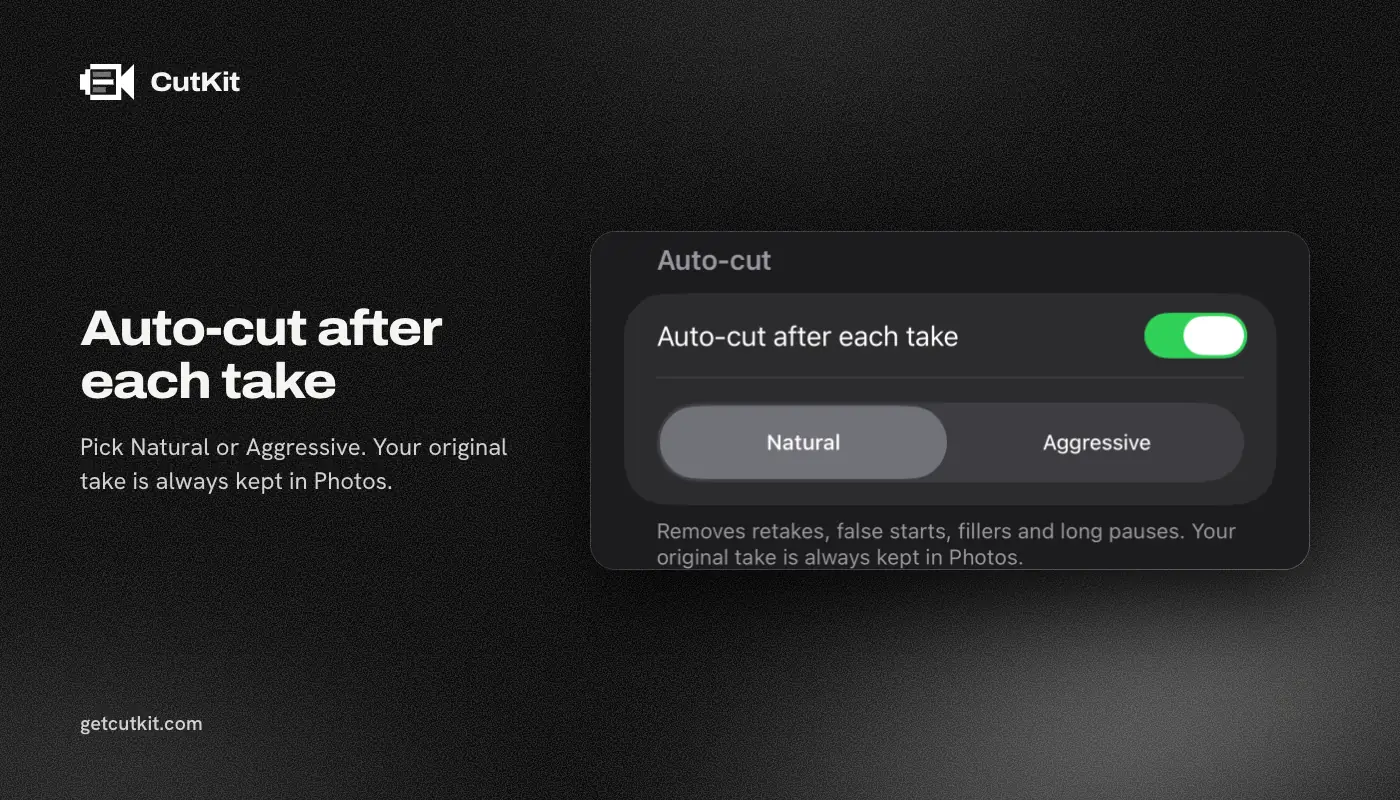
CutKit does this on the phone. It cuts long pauses, retakes, false starts and filler words in English and French, and you choose a Natural or Aggressive pace. Natural keeps more breathing room between phrases. Aggressive tightens harder. You review the cuts, tap to restore any of them, and export without re-encoding. It records in the camera’s native format, 4K 10-bit HDR HEVC with stereo audio, and saves to Photos. The Camera Control button starts and stops a take.
Nothing is uploaded and there’s no account. There’s no free plan, just a 7-day free trial, and exports during the trial carry a small CutKit watermark. After that Pro is $9.99 a month, $59.99 a year or $149.99 lifetime.
Its limits: it’s iPhone only, it needs iOS 27 or later, it’s in TestFlight beta, and it has no ratings yet. It only cuts. It has no timeline, no captions and no effects, so it won’t help with a video you shot some other way. You can join the beta from the home page.
Silence removal’s usual mistakes
Cutting breaths. The clip sounds airless. If a tool has a padding or pace setting, use the gentler one.
Cutting dramatic pauses. A pause before a punchline or a big number is doing a job. Automatic tools can’t know. Restore it.
Clipping words. You hear a tiny jump at the start of a word. The threshold is too high or the padding is too small.
Leaving background noise as it was. The gap gets cut but the fan hum jumps in level at the join. Record in a quiet room. A cut can’t hide a hum.
Stacking jump cuts. 10 cuts in 10 seconds looks nervous. Talking-head viewers accept jump cuts, but the picture needs a moment to settle between them.
Losing sync. If a tool cuts audio and picture at slightly different points, lips and voice drift apart. Watch a face closely at a few joins.
Deciding how much to cut
There isn’t a right number. It depends on the content.
- Fast, punchy clips for short-form video can take an aggressive cut. Viewers expect a tight rhythm.
- Explainers and tutorials need space for a hard idea to land. Go gentler.
- Interviews and conversations should keep most pauses. They’re how people listen to each other.
- Emotional or personal stories should keep more silence than feels efficient.
A useful test: watch your clip on a phone, at arm’s length, with no editing screen around it. If it makes you feel rushed, you’ve cut too much.
A 5-step check before you post
- Play the whole clip once at normal speed, with headphones on.
- Listen to every join for clipped words and clicks.
- Watch a face for lip sync at 2 or 3 cuts.
- Compare the exported file with the original for resolution and format. See how to cut filler words on iPhone for the check.
- Play it on a different device from the one you edited on.
Picking a route
If your video is a long recording with lots of silence, like a screen capture or a lecture, a dedicated silence remover or a full editor is a good fit. If you shoot short talking-head clips on your iPhone and want them cut when you stop recording, cutting as you record saves the most time. For the recording side, see how to record Shorts and Reels with a teleprompter on iPhone, and for how the apps compare, the best teleprompter apps for iPhone. Retakes are a separate problem, covered in how to remove retakes automatically.
Frequently asked questions
How do I remove silence from a video on iPhone?
Use an app that detects quiet stretches and deletes them. Set the threshold just above your room noise, cut gaps longer than about half a second, and keep a little padding around each phrase. Then listen to the whole clip with headphones.
Can the iPhone Photos app cut silence?
No. Photos can trim the start and end of a clip. It can’t find silence in the middle or cut it out.
Does removing silence lower video quality?
Only if the app re-encodes the video on export. Cutting silence doesn’t change the picture, but many tools decode and recompress it anyway. CutKit exports without re-encoding.
Does CutKit cut silence?
Yes. It cuts long pauses along with retakes, false starts and filler words in English and French. You pick a Natural or Aggressive pace and can tap to restore any cut.