
comparison
CutKit vs Speakflow teleprompter: which for iPhone
Speakflow is a voice-scrolling teleprompter on a subscription, built across desktop, web and phone. CutKit is an iPhone-only app that also cuts your retakes.
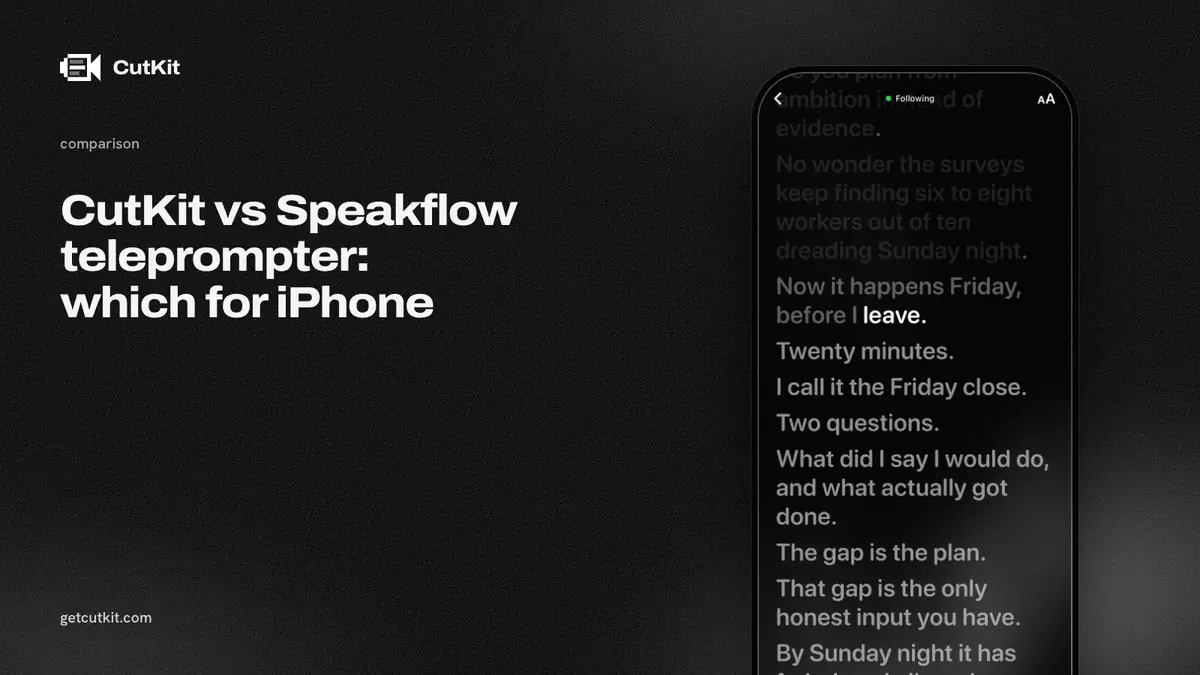
If you searched for a Speakflow teleprompter, you found a voice-scrolling script tool that runs on desktop, web and phone. CutKit is a smaller, iPhone-only app with the same core idea, a teleprompter that follows you, plus a cut that removes your retakes once you stop recording.
Short answer: pick Speakflow if you write and read scripts across a computer and a phone. Pick CutKit if you record on an iPhone and want the finished take cut for you, with no account, and a lifetime option for Pro. Speakflow has no editing at all, and CutKit is a TestFlight beta with no ratings yet.
Speakflow’s strengths
It works beyond the iPhone. Speakflow’s site lists a desktop app, a web app and phone apps, and its iOS app is new (last updated 14 Sep 2026, checked 29 Sep 2026). If your script lives on a laptop and you record on a phone or a camera rig, that spread matters. CutKit is iPhone only, iOS 27 or later.
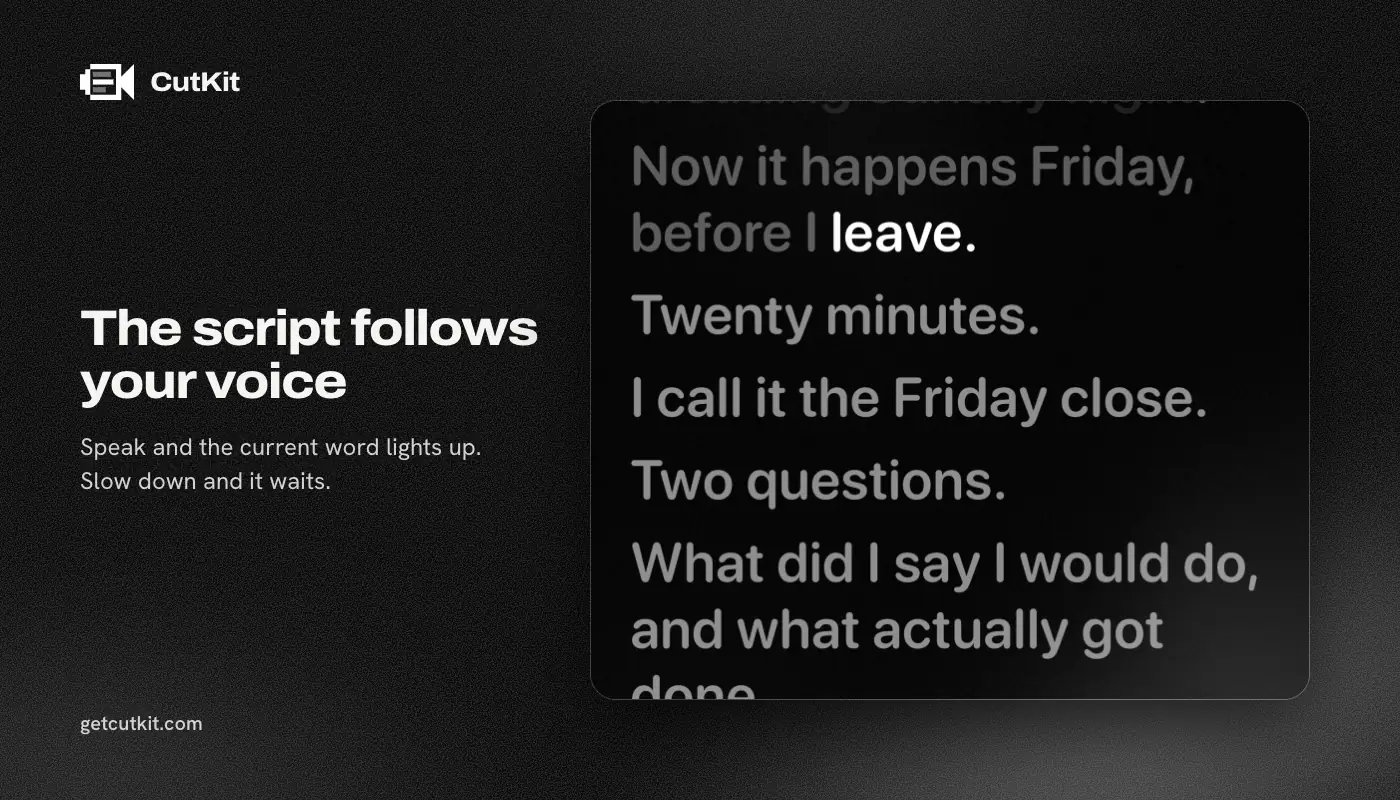
It has a real voice-scroll feature. Speakflow calls it Flow. Voice scrolling is limited on the free plan and unlimited on Plus, per its pricing page. Whether the voice recognition runs on the device or in the cloud isn’t stated anywhere we read.
It’s a focused script tool. Our notes say its editing features are script tools only, with no auto-cutting documented. That’s a clean pitch if all you want is a teleprompter.
One caution on evidence. The App Store shows 3 ratings at 5.0 for the iOS app, which is too few to read anything into.
CutKit’s differences
The cut. After you record, CutKit cuts retakes, false starts, filler words (English and French) and long pauses, on the phone, at Natural or Aggressive pace. You review the cuts and tap to restore any of them, then export without re-encoding. Speakflow stops at the teleprompter.
Native quality. CutKit records the way the camera app does: 4K, 10-bit HDR HEVC with stereo audio, saved to Photos. Speakflow’s recording quality isn’t stated. Its Plus plan stores 1 hour of video, per its pricing page, so it’s built around holding video in its own space.
On the phone and no account. CutKit’s teleprompter follows your voice using Apple’s SpeechAnalyzer, and nothing is uploaded. Speakflow needs an account for paid plans and lets you skip it on the free tier.
The price shape. As of September 2026, Speakflow lists Free at $0, Plus at $19 a month and Studio at $129 a month. CutKit has a 7-day free trial, with a small CutKit watermark on exports during it, then Pro is $9.99 a month, $59.99 a year or $149.99 lifetime for 4K HDR, unlimited scripts and unlimited auto-cuts. Over a year, Plus costs $228 and CutKit’s yearly plan costs $59.99, though the two do different jobs, so price what you’d actually use.
The comparison table
| CutKit | Speakflow | |
|---|---|---|
| Price (as of September 2026) | 7-day free trial, then $9.99 a month, $59.99 a year or $149.99 lifetime | Free, Plus $19 a month, Studio $129 a month |
| Voice-following teleprompter | Yes, on device | Yes, Flow, on-device status not stated |
| Voice scroll on the free plan | No free plan, 7-day trial | Limited |
| Recording format | Native 4K, 10-bit HDR HEVC | Not stated |
| Auto cut of retakes and filler | Yes | None documented |
| Account | None | Required for paid, optional on free |
| Script sources | Claude (MCP), Apple Notes, paste | Not checked |
| Platforms | iPhone, iOS 27+ | Desktop, web, phone |
| App Store rating | None yet | 5.0, 3 ratings |
A quick test for voice scrolling
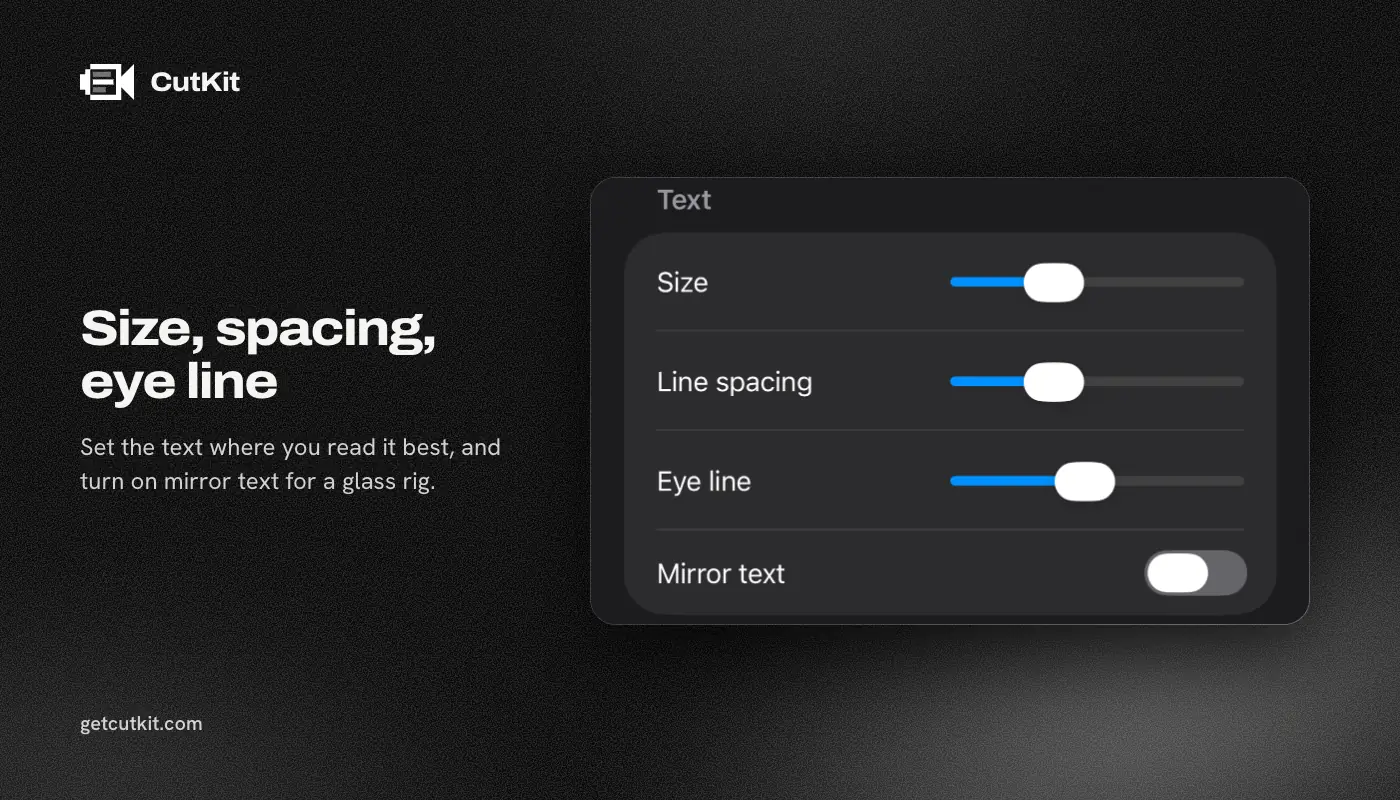
Voice-following teleprompters live or die on how they handle a pause. Read a paragraph, stop mid-sentence for 5 seconds, cough, then carry on. A good one waits for you and picks up at the right word. A bad one races ahead or gets lost.
Do that test in both apps, on the free plan and the trial, before you pay anyone. Speakflow’s free plan limits voice scrolling, so you may hit a wall sooner than you’d like. CutKit’s 7-day free trial is long enough to run the test and see how the cut treats the pause you just made.
Who should pick which
Pick Speakflow if you draft on a computer, want your script on every device, and don’t need the app to touch the video. It’s a fine teleprompter with more platforms than ours.
Pick CutKit if you record short vertical takes on an iPhone and dread the cleanup. It’s the same read-and-record habit, with the retakes handled afterwards on the same phone. If you already have an editor you like, CutKit’s export lands in Photos at full quality and you can keep using it.
Comparing more of the field? Our roundup of the best teleprompter apps for iPhone lists them, the Speakflow alternatives page covers options if you’re leaving, and CutKit vs CueFrame looks at the nearest free app. Join the beta from the home page.
Frequently asked questions
Is Speakflow free?
There’s a free plan at $0, with voice scrolling limited. Plus is $19 a month and Studio is $129 a month, as of September 2026, on Speakflow’s pricing page.
Does Speakflow follow your voice?
Yes. Speakflow’s voice scrolling is called Flow, limited on free and unlimited on Plus. We couldn’t confirm whether it runs on the device.
Can Speakflow edit or cut my video?
We found no auto-cutting or video editing documented. Speakflow’s tools are for scripts. CutKit cuts retakes, false starts, filler words and long pauses on the phone.
Does Speakflow have an iPhone app?
Yes. It’s new, last updated on 14 Sep 2026, with 3 ratings on the App Store when we checked. Speakflow also runs on desktop and the web.
Does CutKit have a one-time price?
There’s no free plan, just a 7-day free trial, and exports during the trial carry a small CutKit watermark. After that Pro is $9.99 a month or $59.99 a year, and there’s a $149.99 lifetime option if you’d rather pay once.