
comparison
CutKit vs CueFrame: on-device teleprompter apps for iPhone
CueFrame and CutKit are both iPhone teleprompters that follow your voice on the device, with no account. What differs is the cutting, the format and the beta.
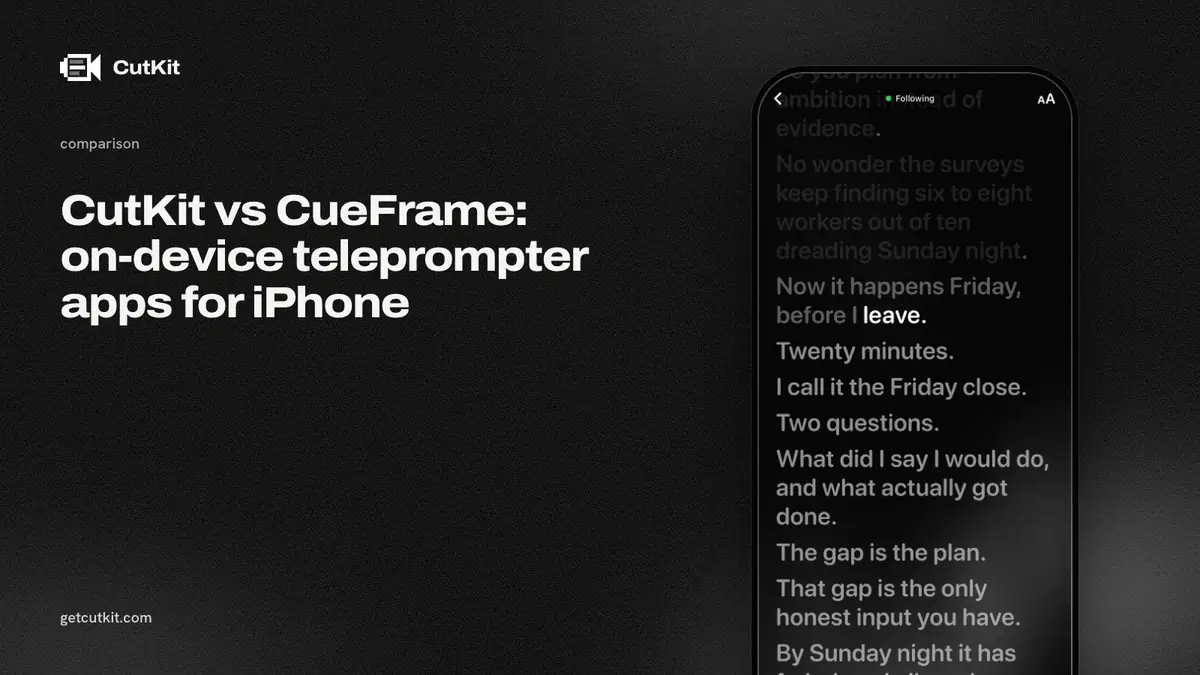
CueFrame is the app closest to CutKit’s idea. It’s an iPhone video teleprompter, its site says “No account. No cloud.”, and it tracks your speech with Apple’s Speech framework on the device. If that’s what you want, both apps deliver it. The difference is what happens after you press stop.
Short answer: pick CueFrame if you want a free, small teleprompter that records and does nothing else, and your iPhone runs iOS 17. Pick CutKit if you also want your retakes, false starts and filler cut for you and you’re on iOS 27 or later. Both are new apps with no ratings, and CutKit is a TestFlight beta.
CueFrame’s strengths
CueFrame is free. Its App Store listing shows a price of $0, no in-app purchases, and text saying there’s no account, no subscription and no backend (checked 29 Sep 2026). CutKit has no free plan, only a 7-day free trial, then Pro.
It runs on more phones. CueFrame’s listing needs iOS 17 or later. CutKit needs iOS 27 or later. If you’re on an older iPhone or haven’t updated, only CueFrame will install.
It’s tiny. The listing shows a 3 MB app. It records at “1080p or 4K when supported” and its site lists color grades and background replace. Whether it captures 10-bit HDR or HEVC isn’t stated.
And it has the same privacy promise: on-device speech recognition, no account. On that row, it’s a tie.
One caution applies to both apps. CueFrame has 0 ratings on the App Store and was last updated on 31 May 2026. Neither app has a track record yet, so judge each by trying it on your own script.
CutKit’s additions
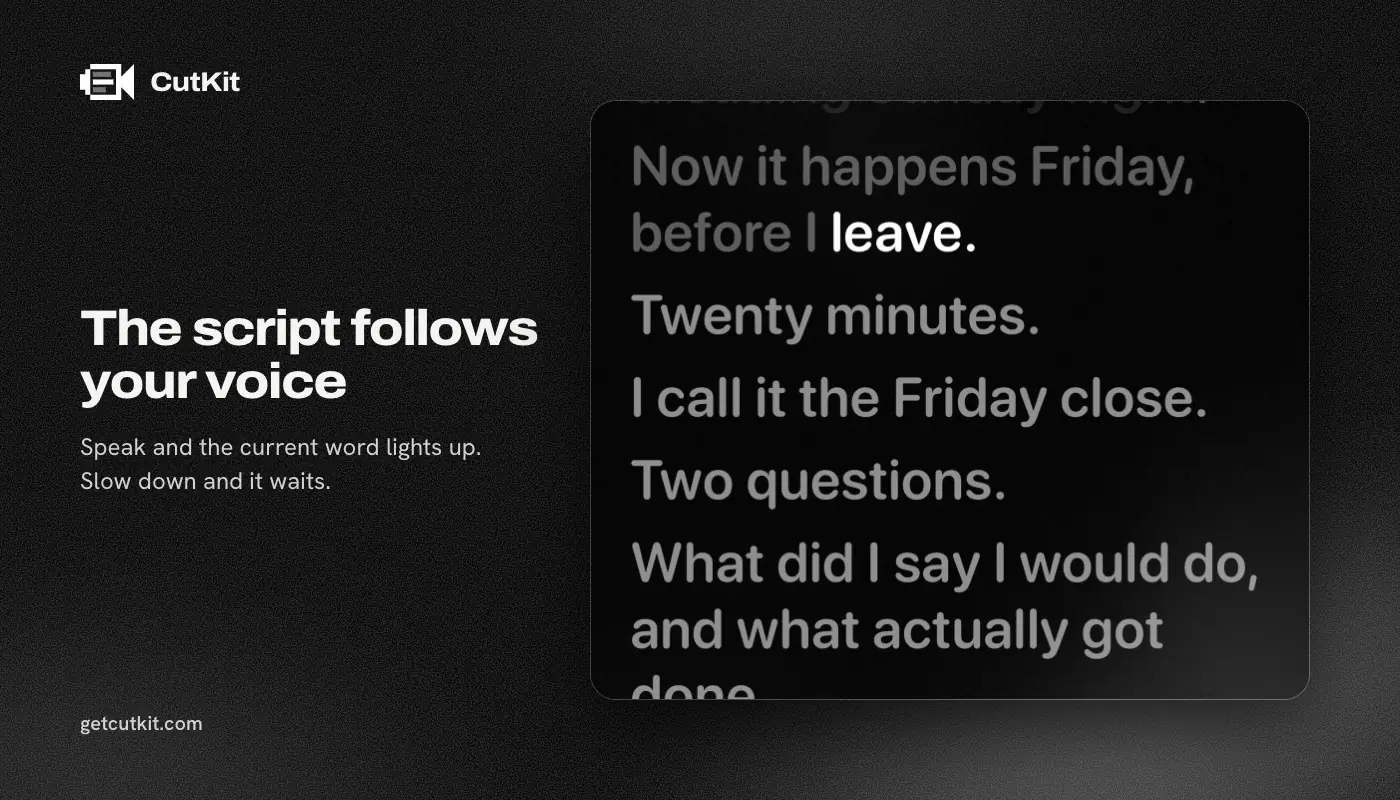
Cutting. CueFrame has no auto-cut that we could find. CutKit cuts retakes, false starts, filler words (English and French) and long pauses on the phone, at Natural or Aggressive pace. You review the cuts and tap to restore any of them. Then it exports without re-encoding.
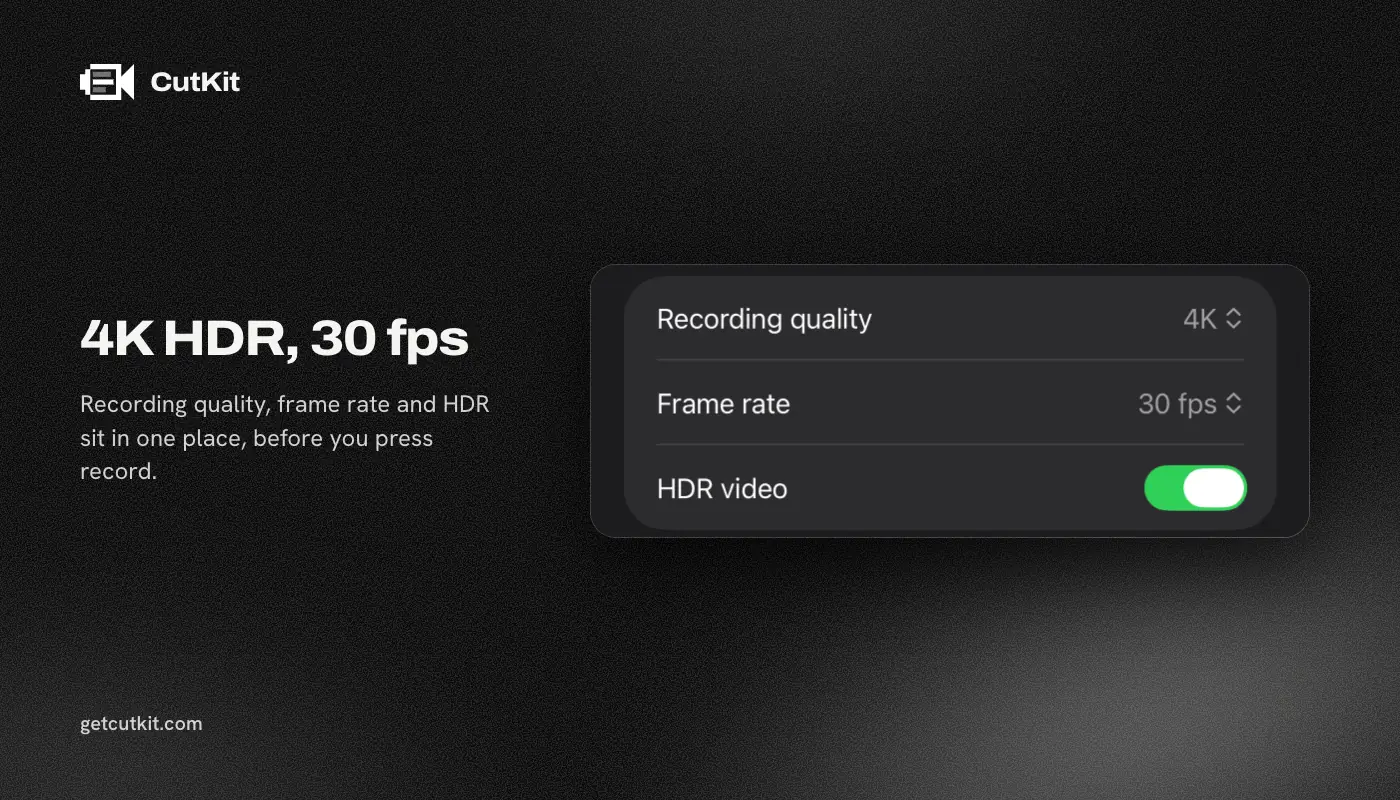
A stated recording format. CutKit records in the native camera quality: 4K, 10-bit HDR HEVC, stereo audio, saved to Photos. CueFrame says 4K when supported and leaves the rest open.
Script sources. CutKit takes scripts from Claude through MCP, from Apple Notes through Shortcuts, or from a paste. We didn’t check how CueFrame imports scripts.
A paid path. CueFrame lists no purchases today. That’s good for you now, but it also means we don’t know how it will be funded later. CutKit tells you upfront: a 7-day free trial with a small watermark on exports, then Pro at $9.99 a month, $59.99 a year or $149.99 lifetime.
The comparison table
| CutKit | CueFrame | |
|---|---|---|
| Price (as of September 2026) | 7-day free trial, then $9.99 a month, $59.99 a year or $149.99 lifetime | Free, no purchases listed |
| Voice-following teleprompter | Yes, on device | Yes, on device (Apple Speech framework) |
| Account | None | None |
| Recording quality | Native 4K, 10-bit HDR HEVC | 1080p or 4K when supported |
| HDR and HEVC | Yes | Not stated |
| Auto cut | Retakes, false starts, fillers, pauses | None found |
| Script sources | Claude (MCP), Apple Notes, paste | Not checked |
| Minimum iOS | 27 | 17 |
| App Store rating | None yet | 0 ratings |
| Status | TestFlight beta | On the App Store |
Try both on the same script
Both apps are free to try, so don’t guess. Put the same 45-second script in each. Read it at your normal pace, then deliberately flub one line and redo it. That shows you what matters: how well each teleprompter keeps its place through a stumble, and what you’re left with afterwards.
With CueFrame you’ll have a raw recording, retake included, and you’ll trim it in another app. With CutKit you’ll have a cut to review, with the retake flagged so you can tap to restore it if the app got it wrong. Which of those you’d rather have is the whole decision.
Who should pick which
Pick CueFrame if you want a simple on-device teleprompter, you’re not on iOS 27, or you don’t care about cutting. It costs nothing and asks for nothing.
Pick CutKit if the real time sink is watching yourself flub a line, redo it, and then scrubbing to find the good take. It’s the same read-on-screen habit, and the cutting comes back to you on the same phone. It’s early software, though, so expect rough edges.
You can also read about how voice-following teleprompters work, or see the larger field in our best teleprompter apps for iPhone roundup. Other rivals worth a look are Speakflow and Detail. Join the CutKit beta on the home page.
Frequently asked questions
Is CueFrame free?
Yes. Its App Store listing shows $0 with no in-app purchases, and its text says there’s no account, subscription or backend, as of 29 Sep 2026.
Does CueFrame follow your voice?
Yes. It uses Apple’s Speech framework, and its site says on-device speech recognition tracks every word.
Does CueFrame cut retakes or filler words?
We found no auto-cut on its listing or its site. It lists color grades and background replace. CutKit cuts retakes, false starts, filler words and long pauses on the phone.
Do CueFrame and CutKit need the same iOS version?
CueFrame needs iOS 17 or later. CutKit needs iOS 27 or later, so older iPhones can only use CueFrame.
Is CutKit on the App Store?
Not yet. It’s a TestFlight beta, and the App Store release is coming. You can join the beta from the home page.