
guide
Teleprompter app that follows your voice, on iPhone
How a voice-following teleprompter works on iPhone, what breaks it, which apps do it as of September 2026, and how to test one on your own script.
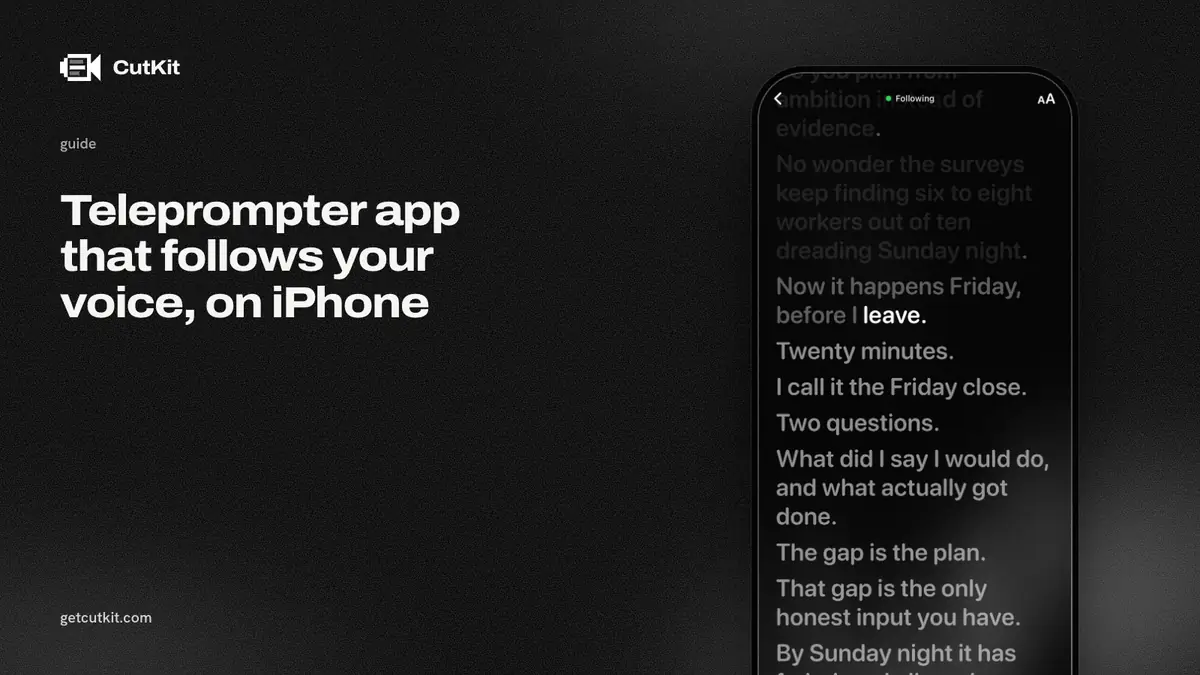
A teleprompter app that follows your voice listens while you talk and scrolls the script to the words you’re saying. Speed up and it keeps up. Stop to think and it waits. That’s the whole idea, and it’s the difference between reading a script and reading a script at a speed the app picked.
Several iPhone apps do it now: Teleprompter.com, PromptSmart, Teleprompter Automatic, Speakflow, CueFrame, Detail and CutKit. They aren’t equal, and the listings rarely say the parts that matter, like where the speech recognition runs.
Short answer: pick a voice-following teleprompter that does its recognition on the phone, test it on your own script with your own accent and a noisy room before you pay, and expect it to lose you when you ad-lib.
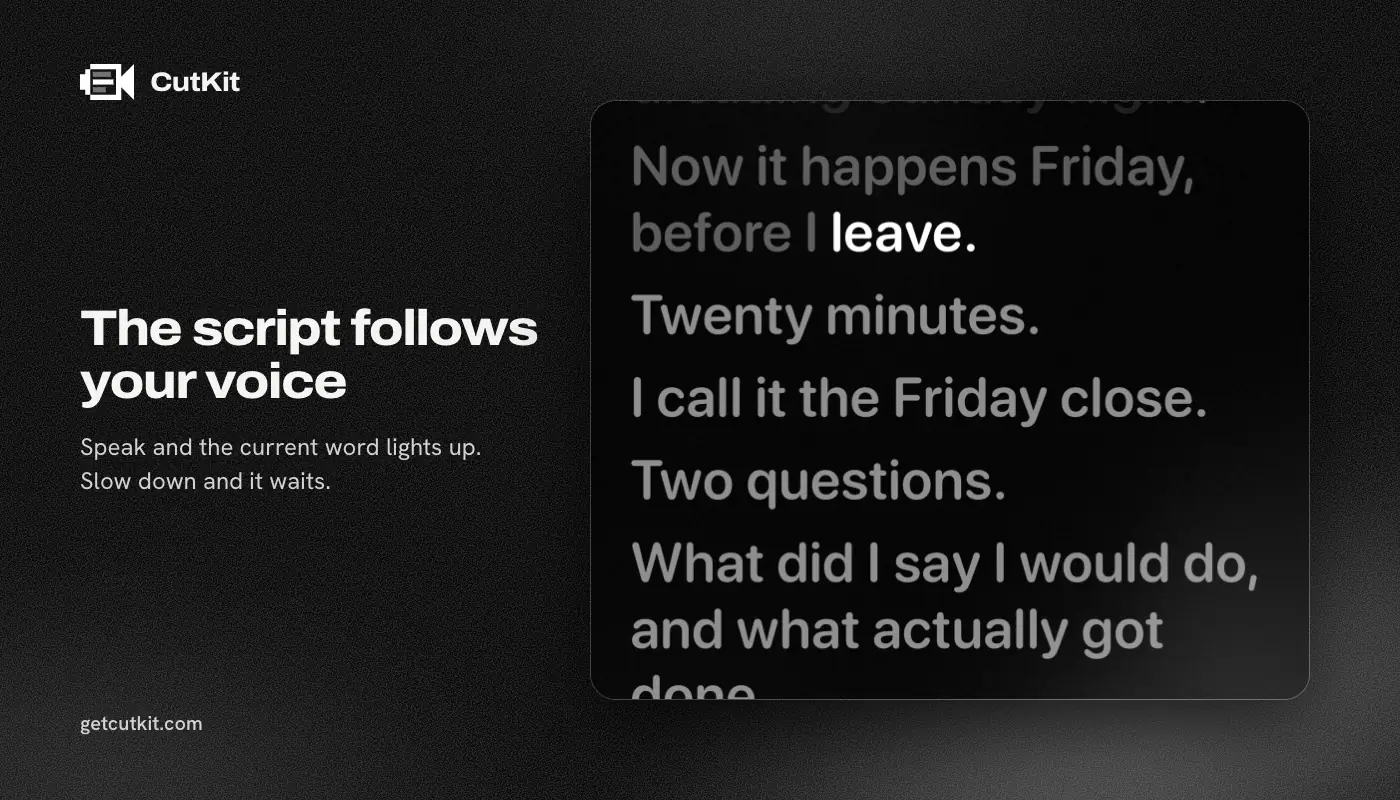
The meaning of “follows your voice”
The app takes your script, turns it into a list of words, and listens through the microphone. As the speech recognizer hears words, the app matches them against the list and moves a marker along. The scroll follows the marker.
3 behaviors separate a good one from a bad one.
It scrolls to where you are. If you read a paragraph in one breath, the text should already be ahead of your eyes, not behind them. Lag is the most common complaint. A September 2026 App Store review of Teleprompter.com says the scroll “greatly lagged behind my voice, causing me to have to pause talking.” That’s one review, but it’s the failure you’d notice first.
It waits when you pause. You take a breath, look up, think about the next sentence. A fixed-speed scroll keeps going and you lose your place. A voice follower stops.
It finds you again. You’ll repeat a line, skip a sentence or say something that’s not in the script. A good app matches your next words to the nearest spot in the script and carries on. A poor one gets stuck on the missing word and the text freezes.
Slate AI, for what it’s worth, works differently: its listing describes auto-pause on silence, not word tracking. That’s a pause feature, and it’s a useful one, but it can’t tell you skipped a paragraph.
On-device recognition matters
Speech recognition either runs on your phone or sends your audio to a server. On the phone it works without a signal, there’s no round trip to slow the scroll, and your voice stays with you. On a server you need a connection, the scroll depends on how fast the network answers, and your audio goes somewhere else.
Most listings don’t say which they do. The ones that do, as of September 2026:
- PromptSmart+ says all its speech recognition tasks happen on the device without an internet connection.
- CueFrame says on-device speech recognition tracks every word, using Apple’s Speech framework.
- Teleprompter Premium (by Martinho Medeiros) says everything is processed locally, though it has no ratings yet and doesn’t detail its voice feature.
- Detail’s 6.0 changelog (14 Sep 2026) says its Auto Edit runs on your device. Where its voice tracking runs isn’t stated, and neither is the recognizer.
- CutKit does it on the phone with Apple’s SpeechAnalyzer.
For Teleprompter.com, Speakflow, Teleprompter Automatic and Teleprompter: Captions & Video, the listings and pricing pages don’t state where recognition runs. That doesn’t mean it’s in the cloud. It means we couldn’t confirm it, so check before you rely on it on a plane or read something confidential.
Ways it breaks
Whatever app you pick, these are the things that make a voice follower lose you. Test for them.
Accents and pronunciation. Recognizers are trained on lots of speech, and yours may be rarer than average. If you have a strong accent or you’re reading in your second language, run a 2-minute test before you commit to a paid plan.
Ad-libs. You’ll say “so, basically” before a line. The app has to ignore it. Most handle a few extra words. Few handle a full detour that ends somewhere else in the script.
Names, brands and numbers. “CutKit”, “4K”, “iOS 27” and your client’s name are the words a recognizer gets wrong, and if the script says one thing and the recognizer hears another, the match can slip. Write hard words the way you say them if the app lets you.
Noise. Traffic, a fan, a second person. The microphone hears it all. Record in the quietest room you have, and hold the phone the way you’ll hold it during the take, since the microphone position changes what it hears.
Speaking fast. If you read faster than the recognizer can keep up, the text falls behind. Slow down by a hair. You’ll probably sound better anyway.
Language. PromptSmart+ lists 15 voice languages. The older PromptSmart Pro is English only. CutKit’s cutting handles English and French fillers. Before you assume any app covers your language, read its listing for the language list.
A 5-minute test for any app
Do this before you pay for anything.
- Paste a real script. A sample won’t show you much. Use one with a name, a number and one clumsy sentence.
- Set the phone where it’ll be during a real take, vertical, at eye level, and sit where you’ll sit.
- Read it once at your normal pace. See whether the text stays ahead of you.
- Read it again, but pause for 5 seconds in the middle and look away. The text should wait.
- Skip a sentence on purpose, then carry on. See whether the app finds you.
- Say something that isn’t in the script. See whether it freezes.
- Turn on a fan, or open a window, and read again.
If it passes all of them on your voice, it’ll pass on a real day. If it doesn’t, no listing will fix that.
The apps compared
This covers only voice following. For the full ranking with recording and editing, see the best teleprompter apps for iPhone.
| CutKit | Teleprompter.com | PromptSmart+ | CueFrame | |
|---|---|---|---|---|
| Follows your voice | Yes | Yes, “VoiceGlide” | Yes | Yes |
| Recognition runs on the phone | Yes | Not stated | Yes, per listing | Yes, per listing |
| Account needed | No | Yes | Yes | No |
| Price (as of September 2026) | 7-day free trial, then $9.99 a month, $59.99 a year or $149.99 lifetime | Subscription, from $7.50 a month billed annually | $8.99 a month or $79.99 a year | Free |
| Ratings | None yet | 29,009 | 550 | None yet |
| Cuts your retakes | Yes | No | No | No |
CutKit’s version
Most of the apps above stop when the script does. You record, and the retakes, the false starts and the ums are still there in the file. Detail is the exception: it follows your voice and cuts silences and filler words, on the device since 6.0. It doesn’t mention retakes or false starts in anything we read, and those are the part CutKit does using your script. CutKit’s voice follow is the front half of a 2-part job: it follows your voice while you record, then cuts retakes, false starts, filler words and long pauses from the take on the phone.
The recording keeps the camera’s native quality, up to 4K 10-bit HDR HEVC with stereo audio, and saves to Photos. The Camera Control button starts and stops a take. Scripts come from Claude (over MCP), from Apple Notes (through Shortcuts) or from a paste. Nothing is uploaded and there’s no account.
What it costs to try: there’s no free plan, just a 7-day free trial, and exports during the trial carry a small CutKit watermark. After that Pro is $9.99 a month, $59.99 a year or $149.99 lifetime.
What it doesn’t do: it’s iPhone only, it needs iOS 27 or later, it’s in TestFlight beta and it has no ratings yet. It has fewer editing tools than a full editor. Voice following is one of the things CutKit does, and in a side-by-side you should compare it on the 5-minute test above, not on our description. To try it, join the beta from the home page.
Who should pick what
If you already have a teleprompter you like and only need voice follow, PromptSmart Pro at $29.99 upfront or CueFrame for free are the low-commitment options, though CueFrame has no ratings. If you use Mac, Android and iPhone, Teleprompter.com covers all 3.
If you’re a founder or creator who films alone, reads a script, and hates the edit, a voice follower plus an automatic cut is the shorter path. That’s what we built CutKit for.
Frequently asked questions
Do voice-following teleprompters work offline?
Only if the speech recognition runs on the phone. PromptSmart+, CueFrame and CutKit say it does. For most other apps the listing doesn’t say, so test in airplane mode before you depend on it.
Does voice following work with an accent?
It often does. How well depends on the app and the accent. Run the 5-minute test on your own voice with a real script. Recognizers get worse with strong accents, second-language speech and background noise, and a listing can’t tell you how yours will do.
What happens when you go off script?
A good app matches your next words to the closest place in the script and carries on. A weaker one freezes until you say the word it expects. Skip a sentence on purpose during a trial to find out which you have.
Is voice following the same as auto-scroll?
No. Auto-scroll moves at a fixed speed you set. Voice following moves with your words. Some apps sit in between: Slate AI pauses when you go silent but doesn’t track words, according to its listing.