
alternative
Descript alternative for iPhone: 5 apps compared
Descript is powerful but cloud-based and priced by subscription. 5 iPhone-first alternatives compared on price, on-device editing, retake cutting and native quality.
A Descript alternative is worth a look if you record on an iPhone and pay a monthly plan for something that mostly cuts retakes and filler words. Descript is very good at that job, and at text-based editing for long recordings. It’s also a cloud product that needs an account, lives on desktop and the web, and starts at $24 a month for Hobbyist (its pricing page, checked 29 Sep 2026, though the page swapped monthly and annual between fetches).
This page is only about iPhone-first options. If you edit podcasts, interviews or courses on a laptop, none of these replaces Descript for you, and you should stay. We make CutKit, which is one of the 5, so it sits second and we’ve named where it loses.
Our criteria
You get the same checks on every app: price, whether the cutting runs on your phone or in the cloud, whether it cuts retakes and filler words, what quality it records, and whether you need an account. Facts come from each listing, site or pricing page, checked on 29 Sep 2026. Prices are as of September 2026. “Not stated” means we couldn’t confirm it for you.
1. Detail
Detail is the closest match on features. Its Auto Edit finds moments, removes silences and, with the “Cut Filler Words” toggle, removes ums and uhs. Since version 6.0 (14 Sep 2026), it says Auto Edit runs on your device, works with no signal and nothing leaves the phone. It also has a teleprompter with Voice Tracking, multicam, livestreaming and captions in 50+ languages, on iPhone, iPad and Mac.
Free with watermarked exports, then Pro at 5.83 euros a month or 70 euros a year. We found no retake removal, which Descript does have, and no stated recording format. 3,795 ratings at 4.55. Read CutKit vs Detail.
2. CutKit
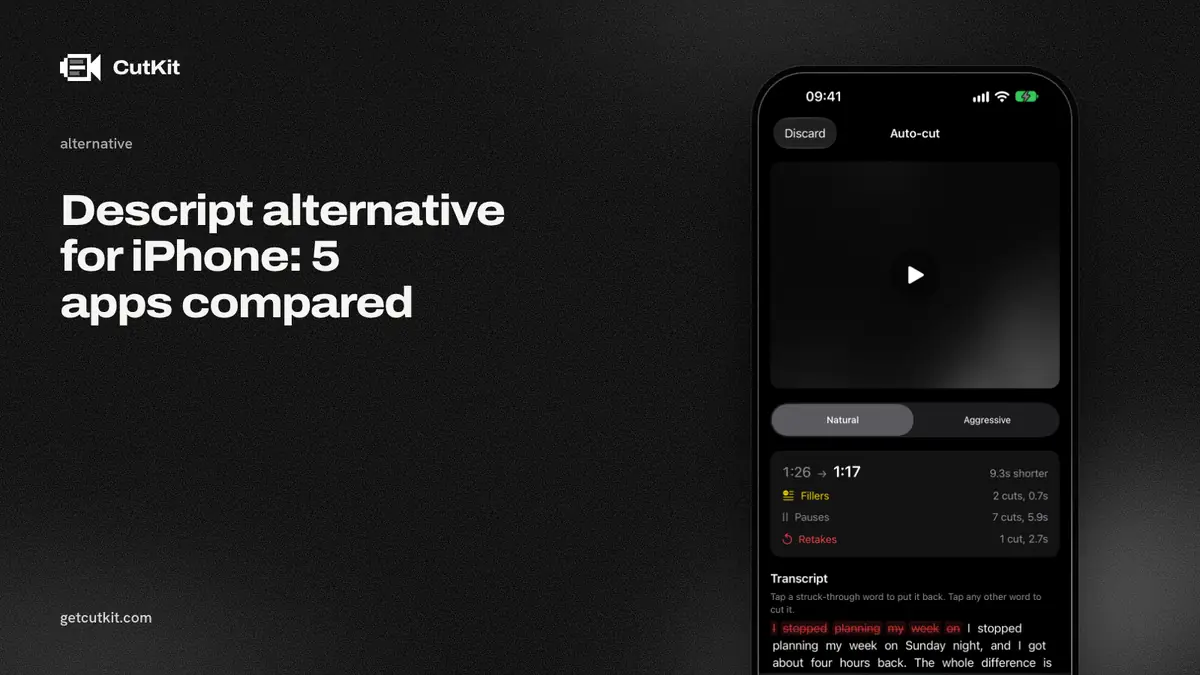
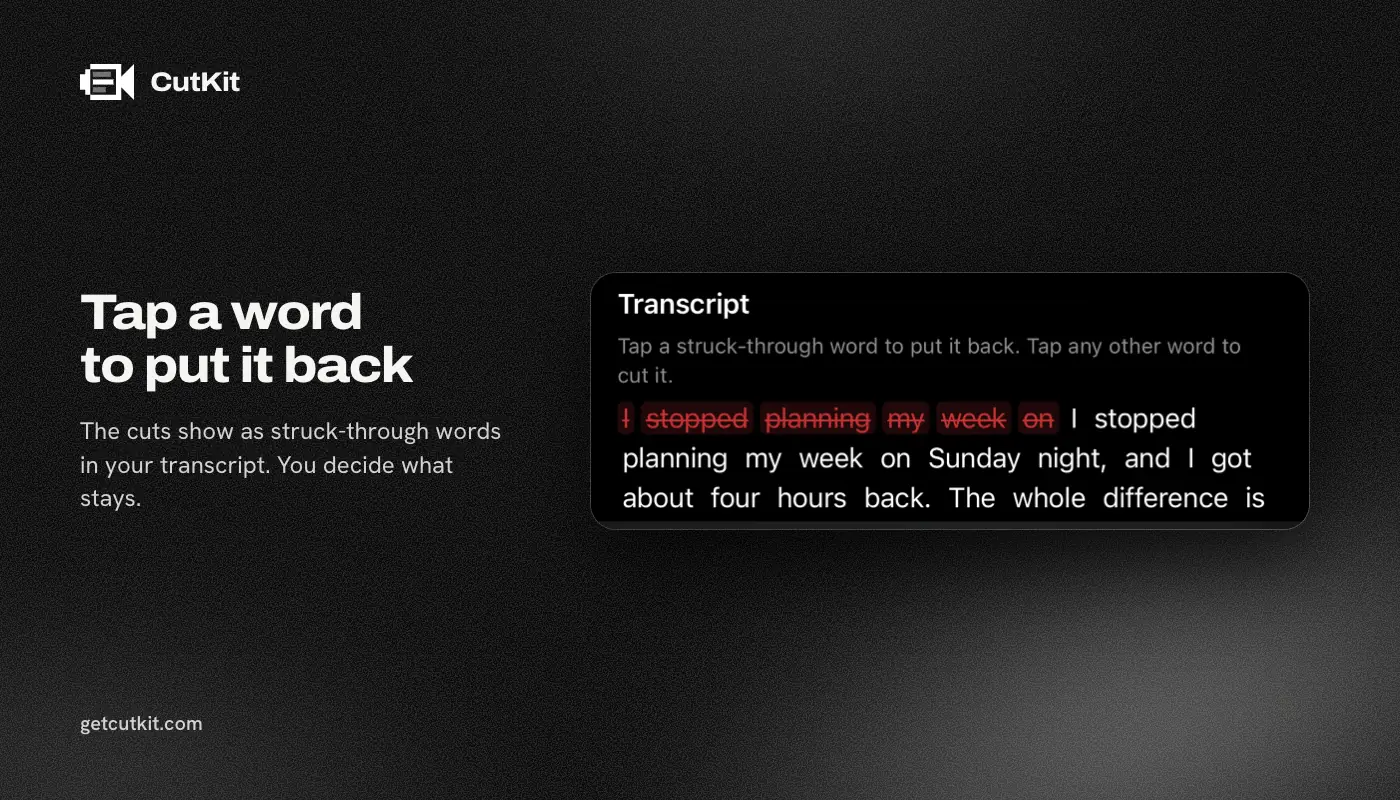
CutKit does a slice of Descript’s job on the phone, as part of recording. The teleprompter follows your voice, and it cuts retakes, false starts, filler words (English and French) and long pauses at Natural or Aggressive pace. You review the cuts, tap to restore any, and export without re-encoding. It records 4K, 10-bit HDR HEVC in native camera quality, has no account and uploads nothing. Pro is $9.99 a month, $59.99 a year or $149.99 lifetime.
It loses on nearly everything else you might want. There’s no transcript editing, no long-form tools, no desktop app, iPhone only on iOS 27 or later, and a TestFlight beta with no ratings. See CutKit vs Descript.
3. Captions
Captions cuts pauses and filler words with AI Trim, and its AI Edit cuts scenes and adds B-roll. It runs on iOS, Android and the web, with 38,132 ratings at 4.75. Pricing is a subscription plus credits, $24.99 a month for Max on its site. Paid features need an account, and we couldn’t confirm whether trimming runs on the device. See Captions alternatives.
4. CapCut
CapCut is free to start, on iOS, Android and desktop, with 1,122,338 ratings at 4.61. It has auto captions, trim and split, and 4K 60 fps export. Pro is $7.99 to $19.99 a month or $89.99 a year. We couldn’t verify an automatic filler or retake cut on mobile. See CutKit vs CapCut.
5. BIGVU
BIGVU has a teleprompter, captions and one-tap filler and pause removal, with editing in BIGVU Cloud and an account required. Plans are subscription only, from $12 to $49 a month. It runs on iOS and the web, with 35,645 ratings at 4.73. We found no retake detection. See CutKit vs BIGVU.
The comparison table
| CutKit | Detail | Captions | CapCut | BIGVU | |
|---|---|---|---|---|---|
| Price (as of September 2026) | 7-day free trial, then $9.99 a month, $59.99 a year or $149.99 lifetime | Free, Pro 5.83 euros a month | $24.99 a month for Max | Pro $7.99 to $19.99 a month | $12 to $49 a month |
| Filler words | Yes | Yes | Yes | Not verified | Yes |
| Retakes | Yes | Not found | Not found | Not verified | Not found |
| Editing runs | On the phone | On the device since 6.0 | Not stated | Not stated | Cloud |
| Account | None | Not stated | Paid features | Not confirmed | Required |
| Text-based editing | No | No | Not stated | No | Word selection |
Who should pick which
Pick Detail if you want an iPhone editor with an on-device Auto Edit for less than Descript. Pick Captions for AI scene edits, CapCut for effects and BIGVU for a teleprompter with captions. Stay with Descript for anything long-form.
Pick CutKit if you shoot short scripted clips and what you paid Descript for was cutting your retakes. You get a small, phone-only app, and the export lands in your Photos at full quality, so you can still hand it to Descript later. Our best teleprompter apps for iPhone roundup covers the recording half. Join the beta to try it.
Frequently asked questions
Is there a free Descript alternative for iPhone?
Detail has a free plan with watermarked exports, and CapCut is free to start. CutKit has no free plan, only a 7-day free trial. Descript’s own free tier is 1 media hour.
Is there a Descript alternative that works offline?
Detail says its Auto Edit works with no signal since version 6.0. CutKit’s teleprompter and cut also run on the phone with nothing uploaded.
Is there a Descript alternative that removes retakes?
CutKit cuts retakes on the phone. Descript documents retake removal in the cloud. We found none for Detail, Captions or BIGVU, and couldn’t verify CapCut.
Is there a Descript alternative with a lifetime price?
CutKit’s Pro has a $149.99 lifetime option, next to $9.99 a month and $59.99 a year. The others in this list are subscriptions or subscription plus credits, and we found no one-time plan for Detail.